
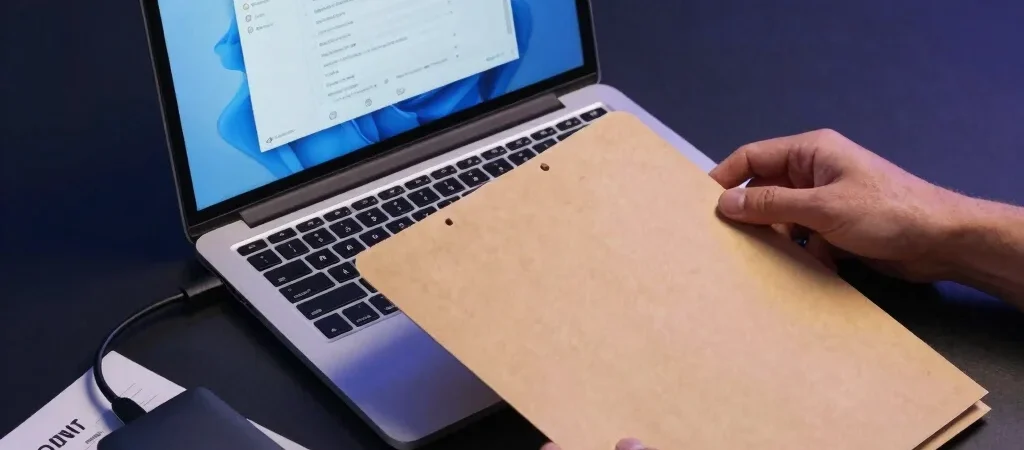
The backup dashboard says the job completed, but that is not the same as having a usable copy of your files. The difference becomes clear when someone needs a specific customer document or shared folder back quickly. For a small business, a short restore test is a practical way to check what the backup process actually delivers.
Choose a Safe Test File
Pick a non-sensitive test file or a small folder that is included in the normal backup routine. Record where it lives, when it was last changed, and which backup service or device should contain it. Avoid experimenting by overwriting a live business file; use a separate restore location if the service provides one.
Restore and Check the Details
Follow the provider’s documented restore steps and note how long each part takes, including any approval or account sign-in requirements. Open the recovered file and check its contents, not just its filename, then confirm that the intended person can access it. If the restored copy is incomplete or lands somewhere unexpected, write down the exact obstacle rather than marking the test successful.
Turn Findings Into a Routine
Keep a short record of the test date, the data restored, the result, and the person responsible for follow-up. Repeat the check after major changes to storage, backup settings, or staff responsibilities, and choose a schedule your team can maintain. A useful next step is to make one restore test part of the calendar, then resolve any permissions or documentation gaps it uncovers.