
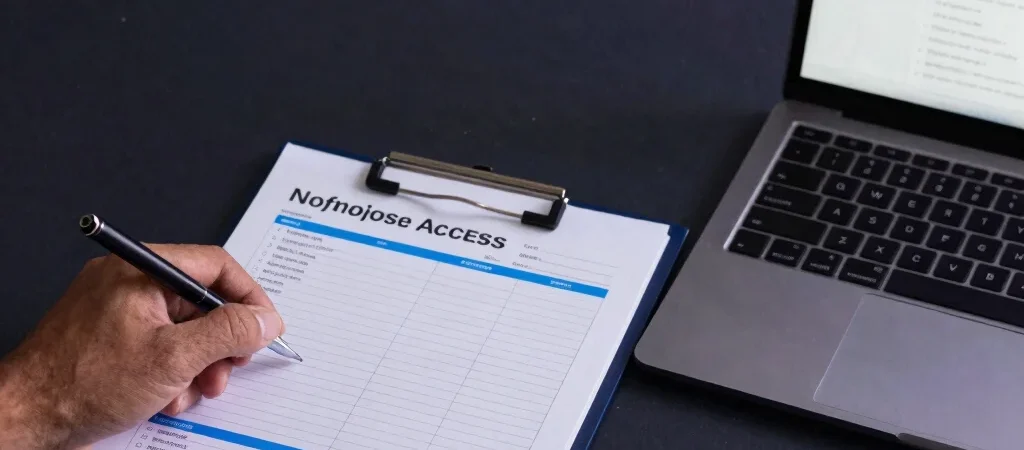
A former employee’s email may be disabled while access to a scheduling tool, cloud folder, or vendor portal is still active. In a small business, those accounts are easy to miss because one person often manages several systems. Build offboarding around an access list, so the handoff does not depend on someone remembering every login.
Map Access Before the Last Day
Keep a current record of the services each employee uses, who administers them, and whether the account is individual or shared. Include work email, file storage, payroll or finance tools, remote access, and any external service that holds business information. Before the person leaves, confirm who will own their active projects and important files.
Revoke Access and Transfer Ownership
On the agreed departure date, disable individual accounts and revoke active sessions or device access where the service supports it. Transfer business files, calendars, and administrative responsibilities to an approved colleague rather than relying on a former employee’s account to stay available. For shared credentials, change them and limit access to the people who still need them.
Close the Loop With a Review
Compare completed actions against the access list, and record anything that could not be removed immediately along with an owner and follow-up date. Check for overlooked accounts with service administrators or billing records, especially if the departing employee handled purchasing or technical setup. The list will never be perfect on its own; review it whenever roles or business tools change.